If your laptop slows down when you open too many tabs, starts freezing during a Zoom call, or takes forever to switch between apps—there’s a good chance the problem isn’t your laptop.
It’s your RAM.
And most students don’t understand how it actually affects performance.
This guide explains what RAM really does—and more importantly, how much you actually need.
Quick Answer: How Much RAM Do You Need?
- 8GB → Minimum for most students
- 16GB → Recommended for smooth performance
- 32GB → Only for heavy tasks like video editing
👉 If your laptop has 4GB, that’s why it feels slow.
What RAM Actually Does (Simple Explanation)
RAM is your laptop’s short-term working memory.
Every time you:
- Open a browser
- Run an app
- Join a video call
Your device loads that into RAM so it can run instantly.
👉 More RAM = more things running smoothly at the same time
Why Your Laptop Slows Down
Here’s what actually happens:
- You open multiple tabs
- Run apps like Word, Zoom, Spotify
- RAM fills up
Now your laptop struggles to keep up.
It starts:
- Lagging
- Freezing
- Switching slowly between apps
👉 This is not your laptop “getting old”
👉 It’s running out of working memory
Does More RAM Make Your Laptop Faster?
Not exactly.
RAM doesn’t make things faster—it prevents slowdowns.
Think of it like this:
- Processor = speed of the car
- RAM = number of lanes on the road
More lanes don’t make cars faster—but they prevent traffic jams.
How Much RAM Should YOU Get?
8GB RAM
- Basic use
- Browsing, writing, streaming
- Works, but can feel tight
16GB RAM (Best Choice)
- Smooth multitasking
- Handles multiple apps easily
- Future-proof for several years
32GB RAM
- Only for:
- Video editing
- 3D work
- Heavy software
👉 Most students do NOT need this
RAM vs Storage (Quick Clarification)
- RAM = what your laptop is using right now
- Storage = what your laptop saves permanently
👉 More storage ≠ better performance
Quick Fix If Your Laptop Feels Slow
Before buying anything:
- Close unused tabs
- Restart your laptop
- Avoid running too many apps at once
👉 This frees up RAM instantly
Should You Upgrade RAM?
Depends on your laptop:
- Some allow upgrades
- Some don’t (especially thin laptops)
👉 Always check before buying
Simple Takeaway
If your laptop feels slow:
It’s often not broken—it just doesn’t have enough RAM.
For most students:
- 8GB = minimum
- 16GB = ideal
Anything less will struggle in 2026.
FAQ
Is 4GB RAM enough?
No. Avoid it completely.
Does RAM affect gaming?
Yes—but that’s a separate use case.
Will more RAM fix all slowdowns?
No. Processor and storage also matter.
Can I upgrade RAM later?
Only on certain laptops—check before buying.
Related Articles
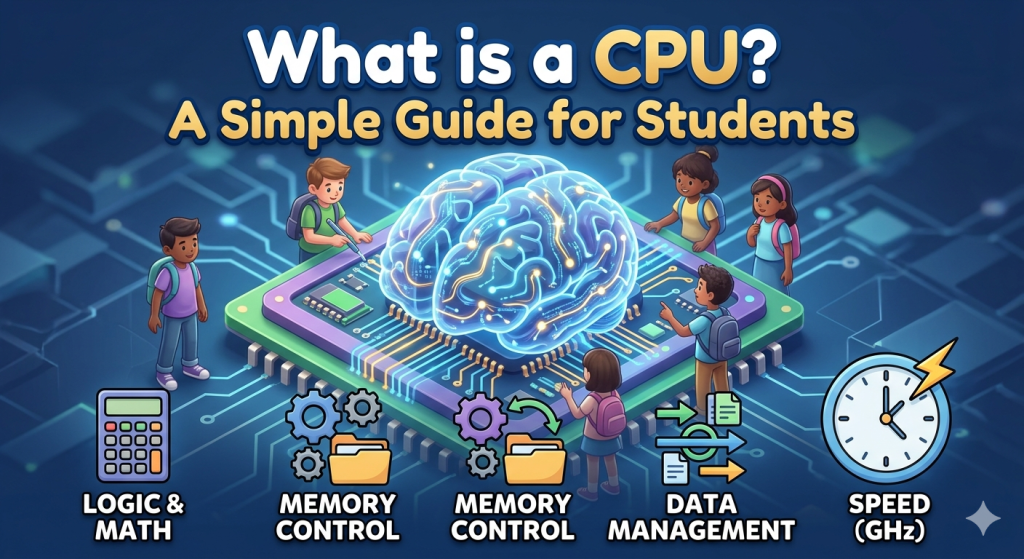
What is a CPU? A Simple Guide for Students
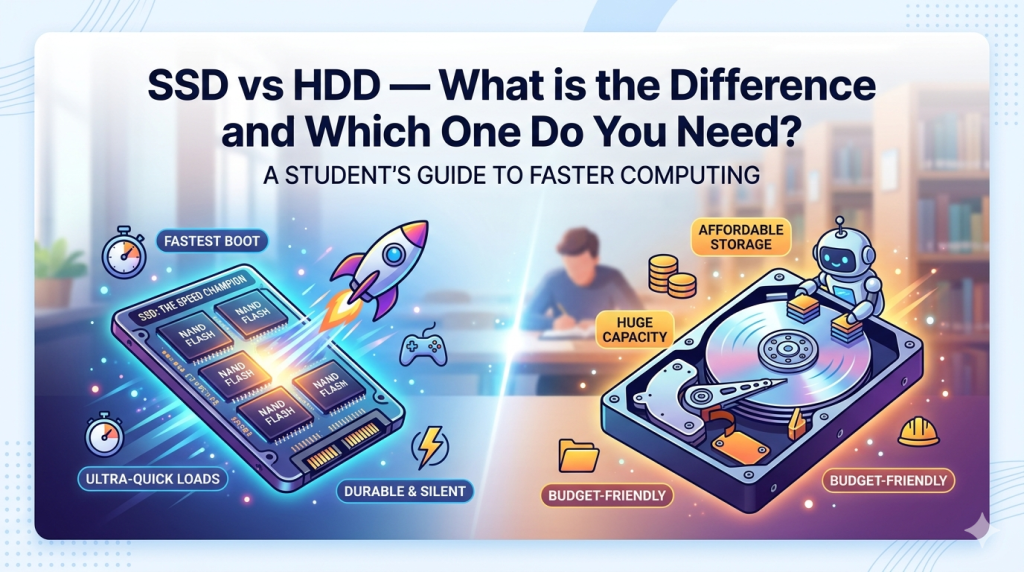
SSD vs HDD — What is the Difference and Which One Do You Need?